
A company-wide town hall sounds simple on the calendar: gather employees, put executives on stage, connect the remote workforce, and start the meeting.
A large corporate campus in New Jersey requires a far more sophisticated technology setup to make that meeting run smoothly.
A single all-hands event may involve an auditorium, overflow rooms, executive offices, multiple floors, remote employees, presentation content, live cameras, microphones, displays, and collaboration platforms operating at the same time. If those systems are not designed to work together, even a polished executive presentation can turn into a collection of small failures: uneven audio, delayed video, cameras pointed at empty chairs, or remote employees struggling to follow the conversation.
For Enterprise IT Directors, Corporate Facilities Managers, and Chief Technology Officers, the goal is not simply to install more AV equipment. It is to create a scalable infrastructure that can move high-quality audio and video throughout the campus while remaining simple enough for staff to operate.
That means thinking about microphones, cameras, video distribution, network architecture, redundancy, room control, and hybrid meeting platforms as parts of one system.
Why Corporate Town Halls Require More Than a Conference Room Setup
A typical conference room AV system is designed around a relatively small group of people.
An enterprise town hall is different. The room may need to capture a speaker on stage, a panel discussion, audience questions, presentation slides, and remote participants while simultaneously distributing that content to other rooms and employees working elsewhere.
The physical environment also changes the technical requirements.
An auditorium has different acoustic and camera needs than an executive boardroom. An overflow room may need synchronized content and audio without requiring its own production team. A multi-purpose space may need to function as an everyday meeting room one day and a company-wide event space the next.
This is why enterprise AV planning should begin with the company’s workflow rather than a list of equipment.
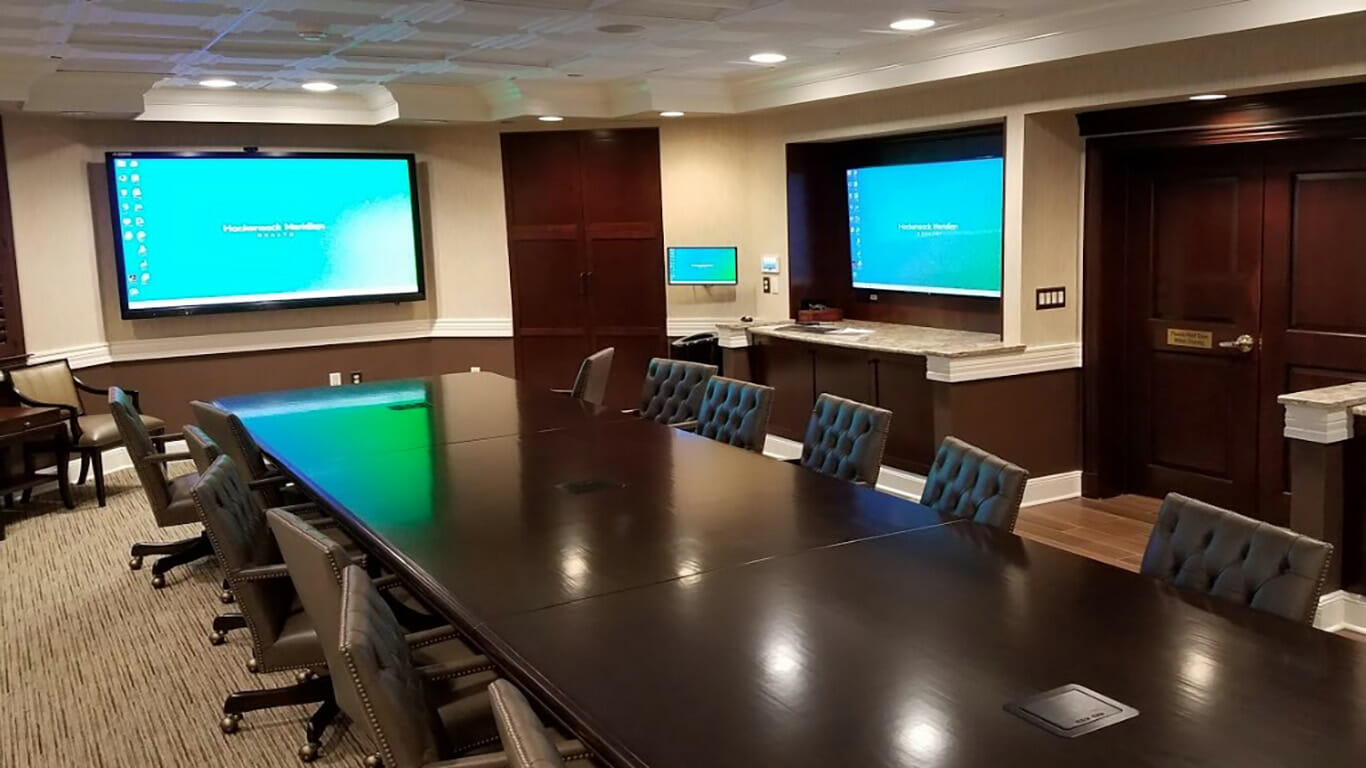
CSAV Systems takes this approach in its corporate AV work, designing systems around room size, layout, meeting requirements, and how employees actually use the technology. Its documented work for a New Jersey banking headquarters included multiple meeting environments, video conferencing, large-format displays, PTZ cameras with auto-tracking, ceiling and wall-mounted audio, room controls, and conference-table connectivity.
The larger lesson is straightforward: a multi-zone corporate AV system should be designed as an infrastructure platform, not a collection of individual rooms.
Beamforming Microphones and Speaker Tracking for Large Auditoriums
Audio is often the first thing employees notice when an all-hands meeting goes wrong.
A presentation can tolerate a slightly imperfect slide transition. It becomes much harder to follow when an executive’s voice fades in and out, remote participants hear room echo, or audience questions cannot be picked up clearly.
Large rooms need microphone systems designed around how people actually speak and move.
Beamforming ceiling microphones can use microphone arrays to focus on sound from particular areas while helping reduce unwanted ambient noise. Depending on the system design, microphones can cover larger spaces without requiring every participant to pass a handheld microphone around.
Camera tracking addresses the visual side of the same problem.
A speaker-tracking system can automatically adjust cameras based on the active presenter or selected speaking position. PTZ cameras can then provide close-up views of presenters, wider shots of a panel, or other predefined views without requiring someone to manually operate every camera during the meeting.
CSAV Systems’ video conferencing solutions include beamforming microphones, speakers, and cameras capable of tracking speakers or automatically framing participants. Its corporate headquarters work in New Jersey has also included high-definition PTZ cameras with auto-tracking.
For an enterprise town hall, that combination can make the remote experience feel considerably closer to being in the room.
AVoIP Can Connect an Entire Corporate Campus
A large corporate campus creates another challenge: getting the right video signal to the right destination.
Traditional point-to-point AV cabling can become difficult to manage as the number of rooms, displays, sources, and endpoints grows. An AV-over-IP architecture, commonly called AVoIP, can instead use the organization’s network infrastructure to distribute AV signals between compatible endpoints.
The practical advantage is scalability.
A presentation originating in an auditorium could potentially be routed to displays in overflow rooms, executive conference spaces, training rooms, or other designated areas. The architecture can also allow IT teams to manage and expand endpoints without redesigning an entirely separate point-to-point system every time the organization changes its space.
For New Jersey companies operating across multiple floors or buildings, that flexibility can matter.
But AVoIP should not be treated as simply “putting AV on the network.” Network capacity, switching, latency, security, multicast configuration, cabling, endpoint management, and redundancy all need to be considered during system design.
The AV network should also be coordinated with the organization’s existing IT policies. A corporate campus may already have strict requirements around VLANs, network segmentation, access control, and cybersecurity.
The best architecture is therefore one that works with the IT environment rather than creating a separate technology island.
Low-Latency Distribution Matters During Live Events
Latency is easy to overlook during system planning because a few milliseconds may not sound important on paper.
During a live town hall, however, timing becomes part of the audience experience.
If the presenter speaks in the main auditorium while the video reaches an overflow room noticeably later, conversations can become awkward. Audience reactions may happen at different times. Remote participants may hear an echo if multiple feeds are not properly synchronized.
For this reason, multi-zone AV systems should be designed with the complete signal path in mind.
That includes cameras, encoders, network infrastructure, decoders, displays, audio processing, conferencing platforms, and any recording or streaming systems in the workflow.
The objective is not merely high resolution. It is synchronized, predictable performance.
This is particularly important when an event combines live presenters with remote executives or employees. Every additional device or conversion point can potentially introduce another variable that needs to be accounted for.
Redundancy Is Part of the AV Design, Not an Afterthought
A company-wide town hall may last 30 minutes.
The preparation behind it can take weeks.
Executives may be traveling specifically for the event. Product announcements may be scheduled around the presentation. Hundreds or thousands of employees may be waiting for the broadcast to begin.
That makes reliability more important than having the newest equipment.
Enterprise AV designers should consider what happens if a critical component fails. What happens if a camera stops responding? What happens if a network endpoint goes offline? Is there a backup presentation source? Can the event continue if one display or microphone fails?
Redundancy can take different forms depending on the importance of the system.
It may involve backup signal paths, spare equipment, redundant network infrastructure, duplicate presentation sources, backup microphones, UPS protection, or documented recovery procedures.
Not every room requires the same level of redundancy. An informal huddle room does not have the same operational consequences as the auditorium hosting a CEO’s annual company address.
The key is to identify the systems where failure has the highest business impact and design accordingly.
CSAV Systems has also documented AV work in environments where uptime is critical, including a command-center relocation involving boardrooms, conference rooms, training rooms, and situation rooms that needed to remain operational during a complex transition.
That kind of lifecycle thinking is useful for corporate campuses as well.
Designing for Microsoft Teams Rooms and Zoom Rooms at Scale
Enterprise employees do not experience AV as a collection of cameras, microphones, displays, and cables.
They experience it through the meeting platform.
Microsoft Teams Rooms and Zoom Rooms have become familiar interfaces for starting and joining meetings, but the room technology underneath them still determines how well those meetings work.
A well-designed room should make the technology feel almost invisible.
Employees should be able to enter a meeting room, launch the scheduled meeting, share content, and communicate with remote participants without navigating a complicated sequence of controls.
That becomes more important when an organization has dozens or hundreds of meeting spaces.
Standardization can reduce training requirements and make troubleshooting easier. A large organization might establish several room types, such as small, medium, large, and auditorium configurations, while keeping the user interface and meeting workflow consistent across them.
CSAV Systems similarly organizes meeting-space solutions around different room sizes and environments, from huddle rooms and small conference rooms to large conference spaces and auditoriums.
The result is a more predictable employee experience.
For IT teams, standardization can also simplify support, documentation, equipment replacement, and future upgrades.
The Corporate Campus Needs a Control Layer
A sophisticated AV system can become difficult to use if employees have to operate every component individually.
Consider what a town hall operator might otherwise need to manage: cameras, displays, microphones, presentation sources, audio levels, video distribution, conferencing software, and room lighting.
A centralized control interface can reduce that complexity.
With properly programmed controls, an operator might select a “Town Hall” preset that prepares the system for the event. Another preset could configure the room for a leadership meeting, training session, or presentation.
The specific controls will vary by installation, but the principle remains the same: the technology should adapt to the meeting instead of forcing the user to manage the technology.
CSAV Systems’ corporate headquarters work has included integrated room control interfaces that allow staff to start meetings and switch sources, as well as custom control panels and one-touch meeting functionality in an executive boardroom project for a New Jersey financial institution.
For facilities and IT teams, that simplicity can have a practical benefit. Fewer manual steps can mean fewer opportunities for an employee to select the wrong source, mute the wrong microphone, or accidentally interrupt the presentation.
Plan the AV Infrastructure Before the Campus Needs It
Corporate AV becomes harder to upgrade when the infrastructure is treated as an afterthought.
If a company is renovating a headquarters, adding floors, relocating departments, or building a new auditorium, AV planning should happen alongside architectural, electrical, networking, and interior design decisions.
That gives the project team an opportunity to consider cable pathways, equipment rooms, acoustics, display locations, camera sightlines, microphone coverage, network requirements, and service access before walls and ceilings are finalized.
It also creates an opportunity to design for future expansion.
Technology will change. A conference room installed today may eventually need different cameras, displays, collaboration platforms, or signal-distribution equipment. A flexible infrastructure makes those changes less disruptive.
This is one reason enterprise organizations often benefit from working with an AV integrator during the planning stage rather than bringing one into the project after construction is nearly complete.
CSAV Systems provides AV consultation, custom design, installation, integration, and ongoing support for businesses throughout New Jersey and the surrounding region. Its consulting process evaluates existing systems and considers upgrades or new solutions based on the organization’s facility and operational requirements.
A More Reliable Model for Enterprise Town Halls
The best multi-zone AV system is not necessarily the one with the largest number of displays or the most expensive cameras.
It is the system that reliably connects people, content, and spaces when the organization needs it.
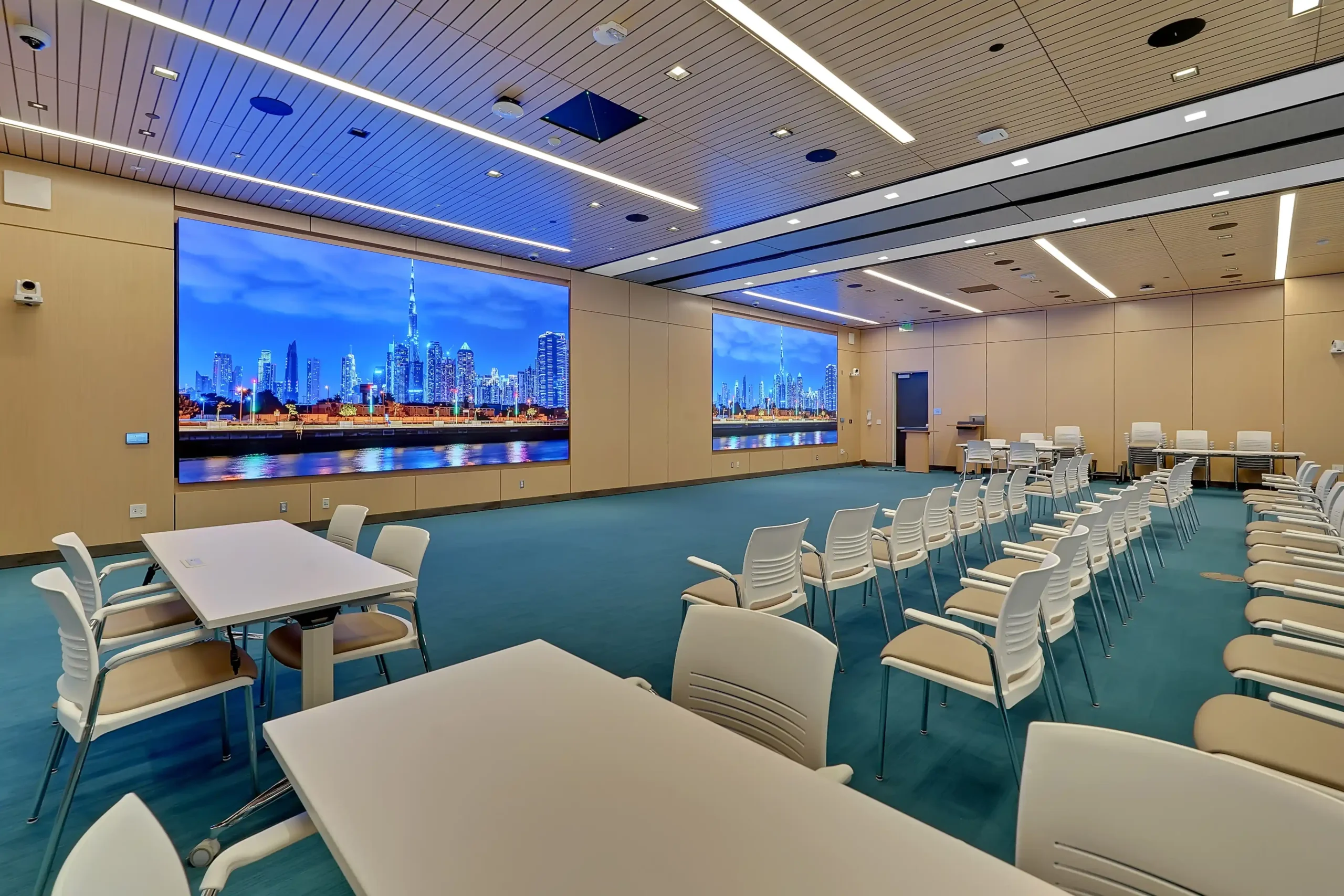
For an enterprise headquarters, that can mean beamforming ceiling microphones in an auditorium, automated camera tracking for presenters, low-latency AV-over-IP distribution across floors, standardized Teams Rooms or Zoom Rooms, centralized control, and carefully planned redundancy.
It also means treating AV as part of the building’s technology infrastructure.
For New Jersey companies planning a headquarters renovation, new corporate campus, executive meeting environment, or large-scale hybrid meeting space, enterprise AV integration services can provide a starting point for evaluating how those systems should work together.
A project may begin with a single auditorium, but the real objective is broader: creating an AV environment that can support everyday collaboration and high-stakes company events without requiring employees to become AV technicians.
Frequently Asked Questions
What AV equipment is needed for a corporate town hall?
A large corporate town hall may require professional microphones, speakers, PTZ cameras, displays or LED walls, video processing, presentation systems, room control, video distribution, conferencing technology, and network infrastructure. The exact configuration depends on the room size, audience, event format, and number of remote participants.
How does AV-over-IP help a corporate campus?
AV-over-IP can distribute audio and video signals over a network between compatible endpoints. For multi-floor campuses, this can provide a more scalable approach to routing presentations, camera feeds, and other AV sources between rooms and buildings.
Are beamforming microphones useful in large meeting spaces?
They can be. Beamforming microphone arrays are designed to capture speech from defined areas while helping manage unwanted sound. In large auditoriums and multipurpose rooms, they can reduce the need for presenters to remain fixed in one location.
How can companies make Teams Rooms or Zoom Rooms easier to manage?
Standardizing room types, controls, hardware configurations, and user workflows can make large deployments easier to operate and support. Centralized management and clear documentation can also help IT teams troubleshoot systems consistently across multiple locations.
Why is redundancy important for executive town halls?
A company-wide event may involve executives, employees, customers, or other stakeholders and may be difficult to reschedule. Redundant components or backup workflows can reduce the consequences of a single equipment or signal failure during a critical presentation.
Building an AV System That Scales With the Business
A corporate town hall should feel like a communication event, not a demonstration of how complicated the building’s technology has become.
When microphones, cameras, displays, networking, conferencing platforms, and control systems are engineered as one coordinated environment, employees can focus on the message instead of the machinery.
For organizations evaluating their next corporate AV project, schedule an AV system analysis with CSAV Systems to assess the infrastructure, room requirements, and technology strategy before the next major all-hands meeting puts the system to the test.