
Commercial Sound and Video Systems



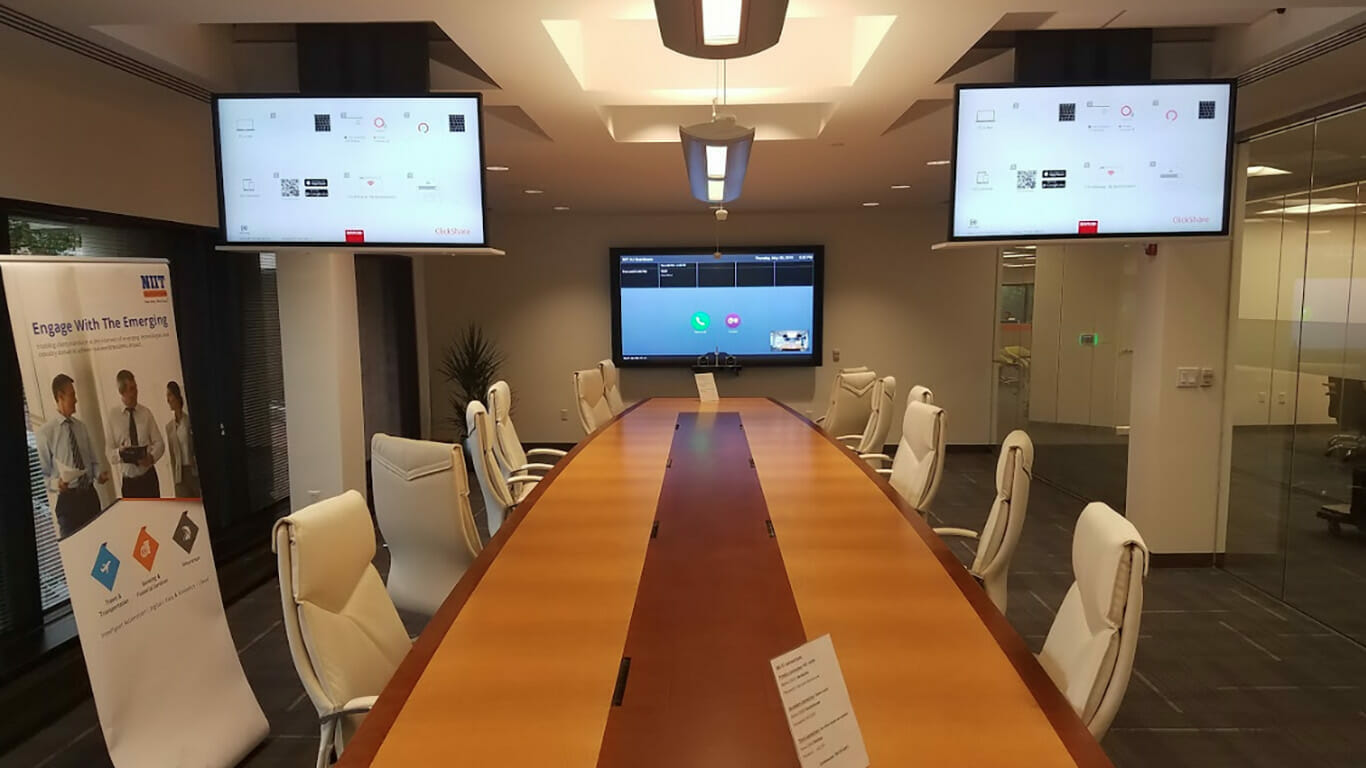
Often, video conferencing and web conferencing may be seen as the same type of video communication. However, the truth of the matter is that these are two very different technology solutions, which have their own features and purpose. So, what are the differences between video conferencing and web conferencing?
Video conferencing systems allow for communication between two or more people in a virtual forum. Not only can all participants communicate with one another, but they can also share content during their video conference meetings. Oftentimes, video conferencing systems may appear to be complex, however, when a video conference system is installed and integrated by a professional av vendor, it can allow for a more seamless and user-friendly experience.
Although it is not necessary to have an internet connection to complete teleconferencing/video conferencing, it is required to have additional audio-visual solutions installed to support your remote meeting. First and foremost, you must choose the right video conferencing software to host your meeting. Options may include Zoom, Webex, Microsoft Teams, and GoToMeeting.
It may also be beneficial to consider an agnostic conference room setup, allowing users to host meetings with any video conferencing app. An agnostic conference approach allows for more flexibility, as users are not tied down to using only one software.
Aside from the software, there are multiple audio/visual solutions to consider within your meeting room. Microphones and speakers, cameras, HD Display monitors, or projection systems are all needed in video conferencing. In addition, integrating control panels within your boardroom or conference room could help simplify and control your conference room setup.
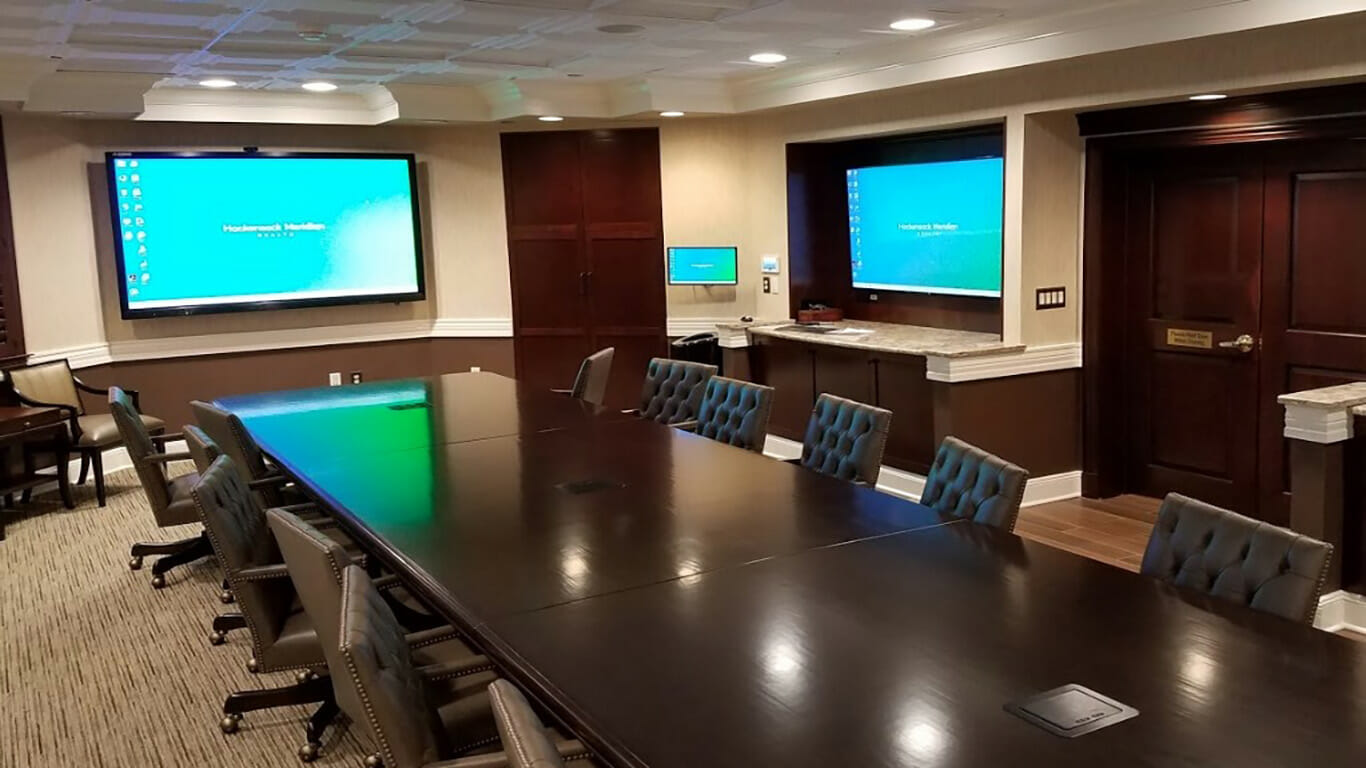
While video conferencing refers to remote meetings with a limited number of participants, web conferencing typically refers to real-time communication; a host (or a few hosts) addresses a large number of people in a virtual forum. Hosted online, web conferencing can be used for training seminars, education courses and webinars, team collaboration, remote work, and professional presentations. Web conferencing limits the feedback from participants and offers one-way communication. If you want to host a large training seminar or virtual event, web conferencing would be the best option. If you are looking to host a meeting with open communication from all participants, video conferencing would be the best option.
It’s also important to consider the type and importance of your meeting when choosing between these solutions. If your event requires broadcasting a single message, speech, or presentation to a broad audience, the ease and reach of web conferencing make it ideal. On the other hand, if the quality of interaction, reliability, and high-definition video and audio are essential, such as for board meetings, client presentations, or collaborative sessions, video conferencing is the preferred choice. The decision ultimately depends on whether you value large-scale information sharing or high-quality, interactive dialogue.
When deciding between web conferencing and video conferencing solutions, it’s important to consider both cost and image quality, as these factors often influence which platform will best meet your needs.
Ultimately, if you need an engaging, face-to-face experience for smaller groups, investing in video conferencing technology can provide a more seamless and lifelike interaction. For larger, presentation-style gatherings where cost and convenience are priorities, web conferencing is often the preferred solution.
Choosing between video conferencing and web conferencing really comes down to your specific needs and priorities. Both platforms enable communication and collaboration, but each is best suited for different situations.
Video conferencing is the top choice when you want an immersive, two-way interaction with high-quality video and audio. Whether you’re brainstorming with your team, meeting with clients, or hosting interviews that need reliable, face-to-face engagement, video conferencing is designed for active participation and more intimate group discussions. Because it uses specialized cameras, microphones, and hardware, the result is a clearer, more lifelike experience, which is ideal for times when connection quality and seamless dialogue matter most.
On the other hand, web conferencing shines when your goal is to communicate to a bigger, dispersed audience with less back-and-forth interaction—think webinars, large training sessions, or informational public meetings. Web conferencing is commonly operated through software on your laptop or PC, making it convenient and easy to set up, especially for quick presentations or lectures. While some degree of interactivity is possible (like chat or Q&A), it primarily supports one-way communication, which is perfect for straightforward broadcasts.
In summary, use video conferencing for interactive meetings where collaboration and picture clarity are critical. Choose web conferencing for sessions that are more about sharing information with many people at once. Each serves its purpose; identifying what you value most for your meetings will help you decide which one is better for your situation.
Because webinars are hosted online, all participants don’t need to have a specific hardware/software installed to join the webinar. However, the webinar host must have cameras, speakers and microphones, and a large display monitor installed to support web conferencing. Having professional technology solutions installed and integrated into your meeting space can help improve the quality and effectiveness of your webinar.
While web conferencing offers a convenient way to connect with a large audience online, it does come with a few technical hurdles. One of the most frequent challenges is maintaining consistent image and audio quality, especially when internet bandwidth is limited. Participants may notice frozen screens, delayed audio, or pixelated video if their internet connection isn’t strong enough to support real-time streaming.
These issues can be particularly frustrating during interactive meetings, as lags and disruptions make it harder for attendees to participate or follow along. As a result, web conferencing is often best suited for presentations and speeches, where communication primarily flows from the host to the audience and isn’t as reliant on smooth, real-time interaction from multiple participants. By optimizing your network setup and using reliable hardware, many of these issues can be minimized, enhancing the overall experience for both hosts and attendees.
If your business is looking to upgrade or install conference room solutions, CSAV Systems offers quality and professional audiovisual systems for your business. We work with businesses in New Jersey, New York City, and other states to provide innovative and cutting-edge AV systems.
Contact us today for a Free Systems Analysis, or click here to request service on your current conference room AV systems.