Commercial Sound and Video Systems


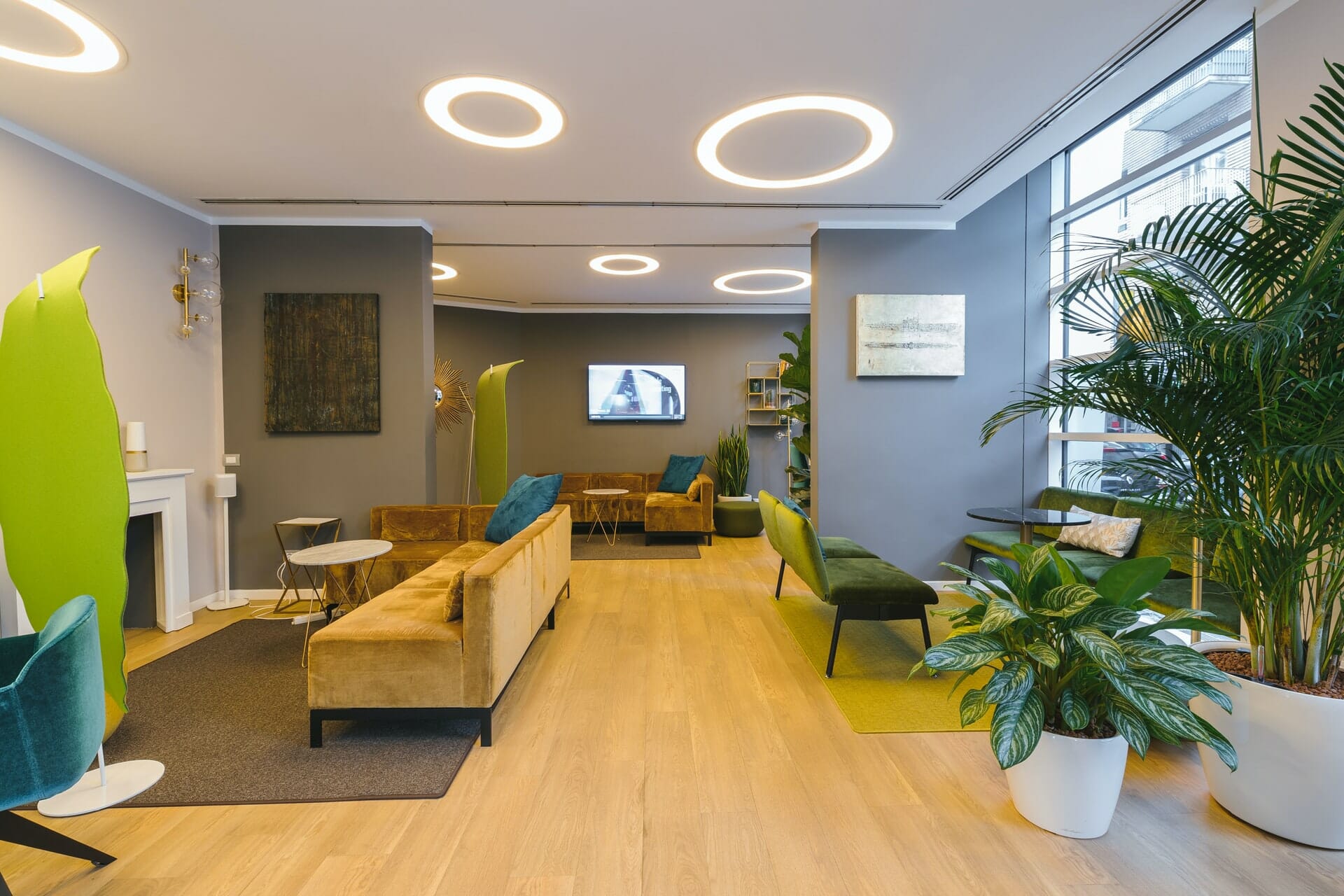
No matter what type of resort or hotel you are visiting there are A/V systems all around you that you might not even notice. Keep reading to learn more about the A/V systems your hotel or hospitality venue can benefit from.
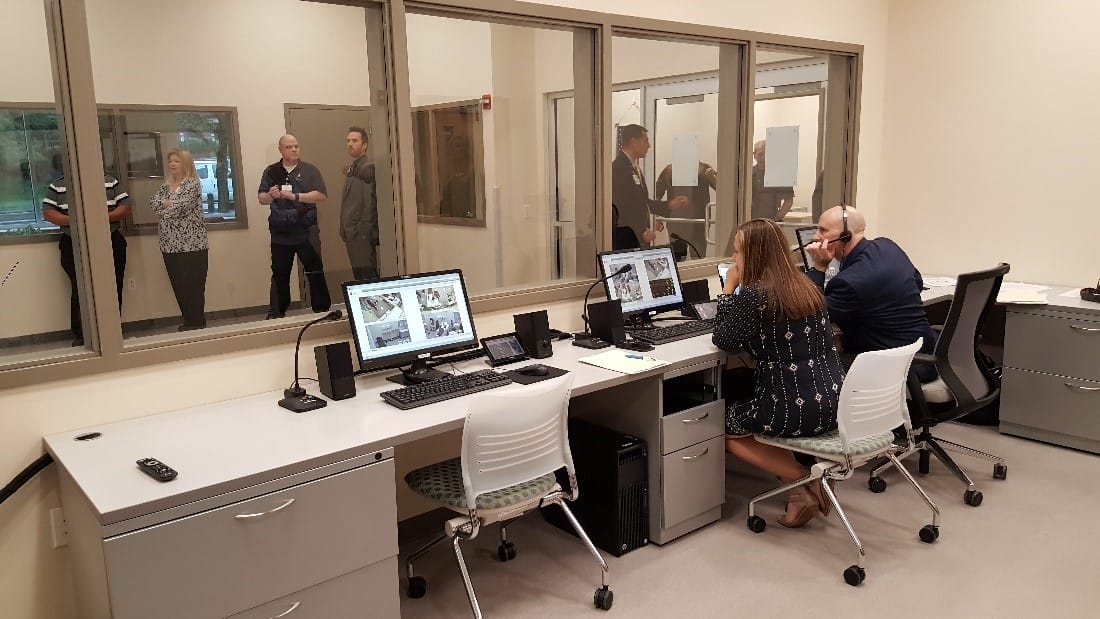
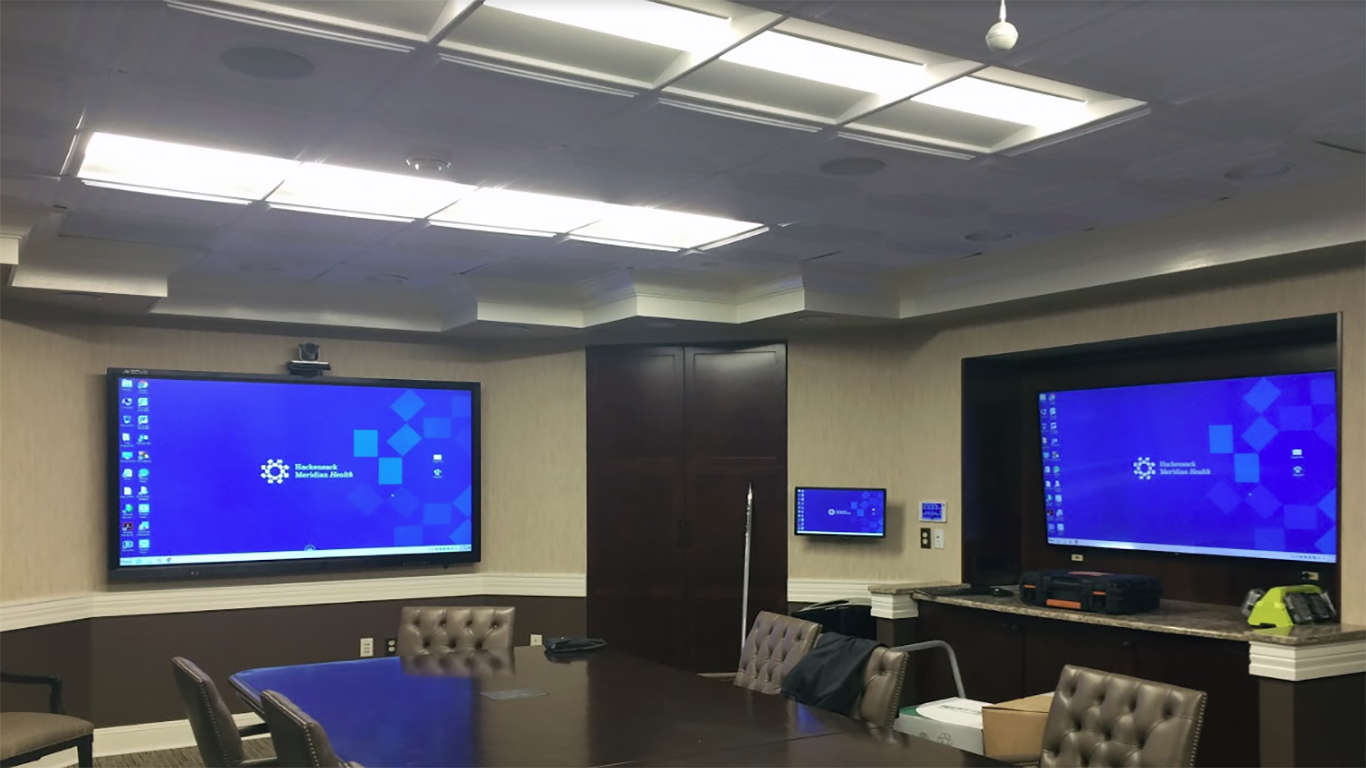
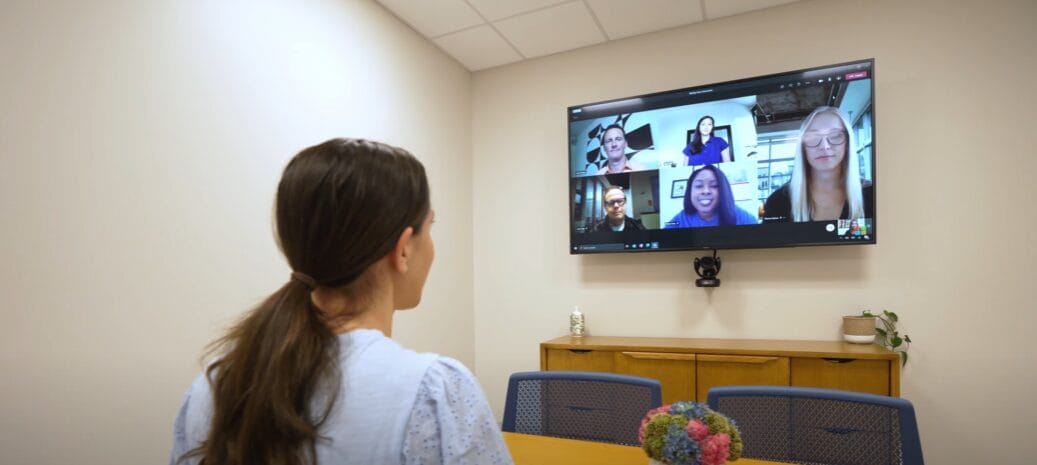
Video conferencing in healthcare improves patient care, telehealth access, provider collaboration, and workflow efficiency with secure AV solutions.
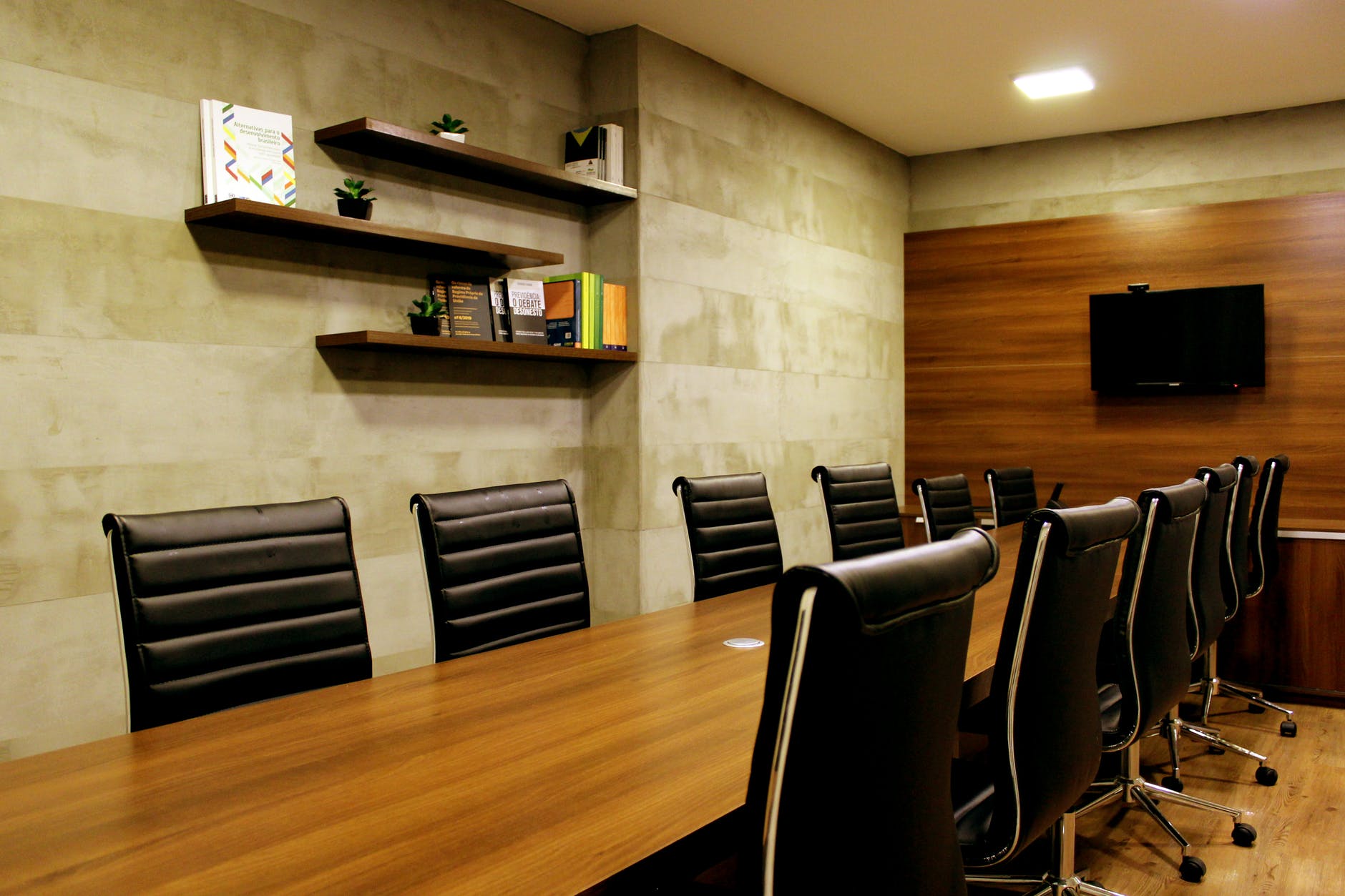
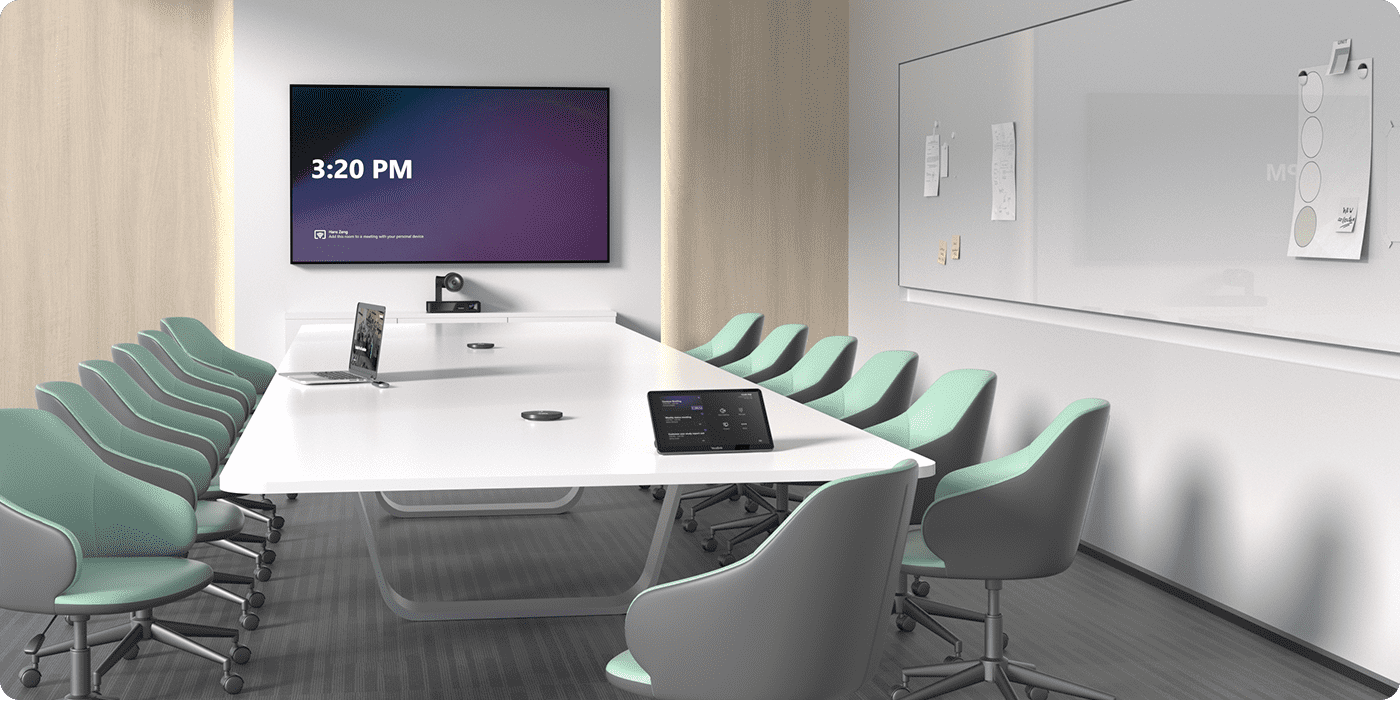
Discover the key differences between boardrooms vs. conference rooms and explore three crucial distinctions to help you choose the perfect space.
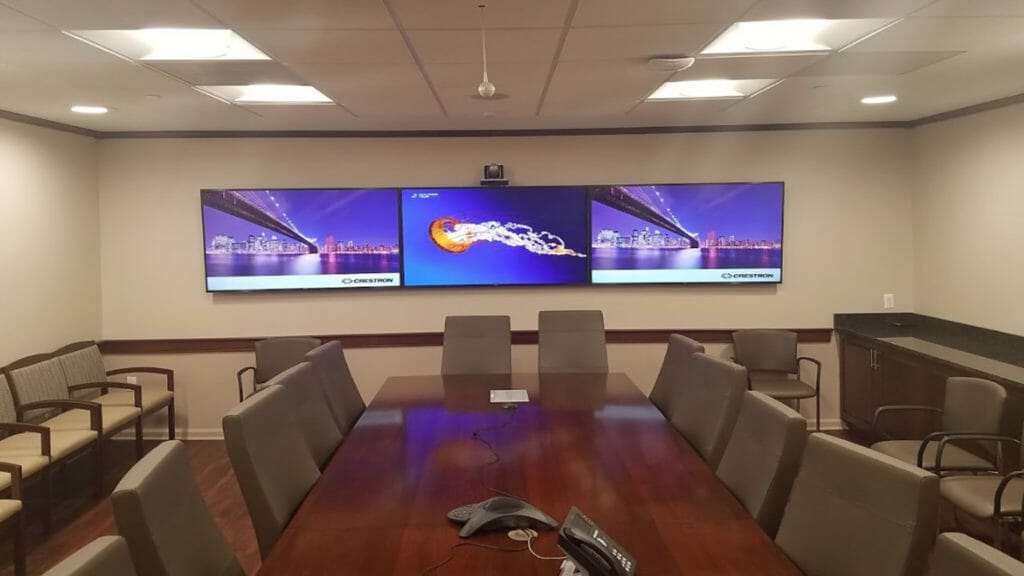
You’ve got a conference room, and it’s ready for business. But is it ready for you? You don’t have to be an expert to make your office space more comfortable and functional — follow these tips and tricks instead!
Web conferencing vs video conferencing: Discover how they compare in cost, quality, and functionality to find the right fit for your business.
Discover the six must-have features that help modern conference rooms support hybrid meetings, presentations, and team collaboration without the usual tech headaches.
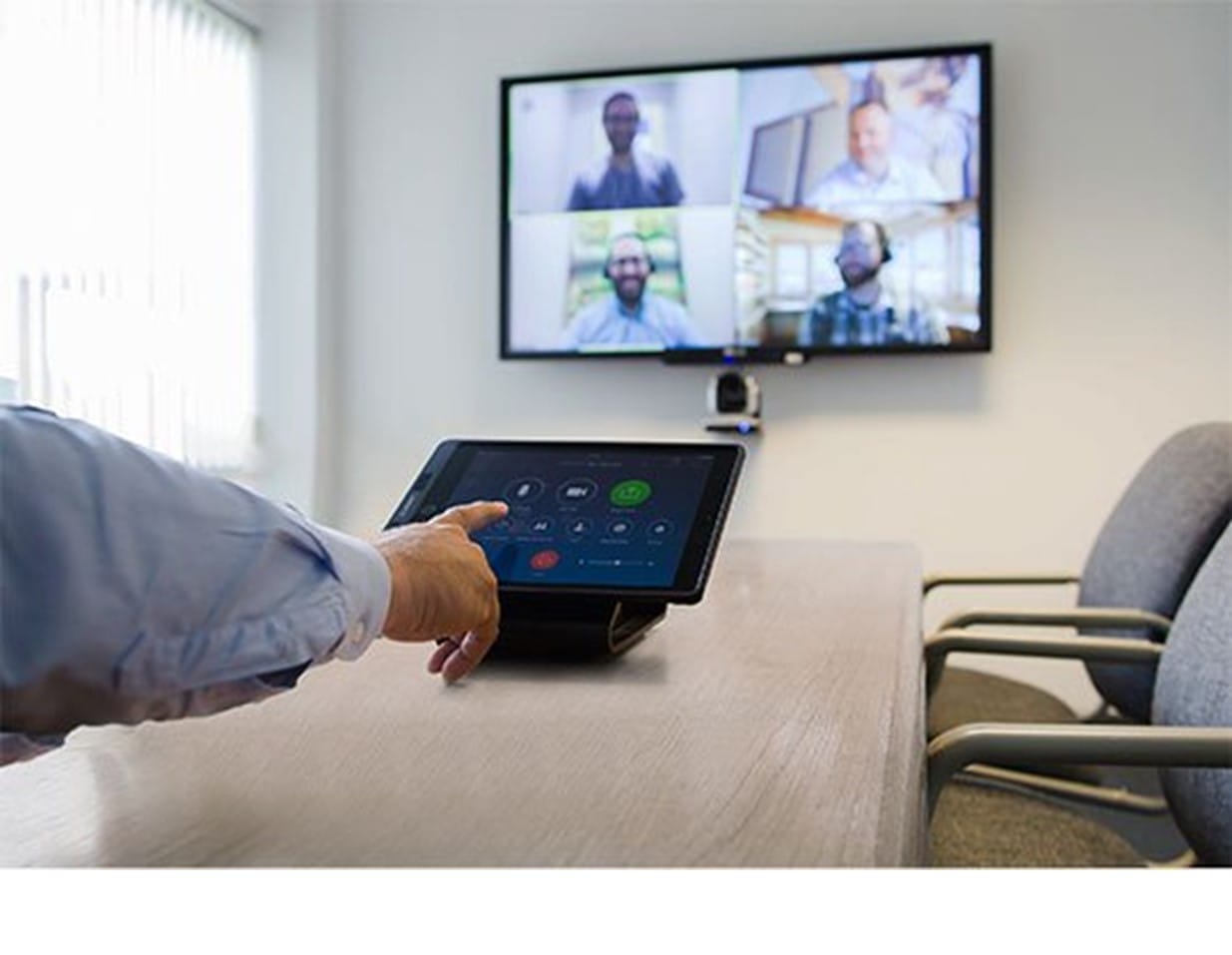
Videoconferences can often feel monotonous and uninspiring, making it easy to zone out—even when we know we should be fully engaged. A big part of the problem lies in the experience of staring at a static, one-dimensional screen. It becomes challenging to stay focused when you can’t tell who’s speaking or where they are in the room. Sometimes, you might find yourself more distracted by trying to locate the speaker than actually listening to what’s being said. The camera technology you use is the key to making virtual meetings more dynamic and immersive. At CSAV Systems, we partner with many different brands to ensure our team continues to integrate the latest and best technology that is right for you. One of the many partners we collaborate with is Yealink. Yealink’s advanced camera systems offer a range of intelligent features—like auto-framing, speaker tracking, and manual controls—that can be easily managed through a dedicated control panel in your boardroom or conference space. Knowing when and how to use these features can transform your meetings into more natural, engaging, and effective conversations. 4 Powerful Yealink Camera Features AutoFraming Automatic Framing is a Yealink camera feature that automatically adjusts the camera’s angle, zoom, and focus to ensure everyone in a meeting is within the frame without manual adjustments. It uses face detection technology to recognize participants, track their movement, and adjust the camera’s view as people enter or exit the room. When to use it? Automatic Framing on a Yealink camera is best used during videoconferences in dynamic meeting environments, such as hybrid meetings where participants are both in the room and joining remotely. For example, in a team meeting held in a conference room, the feature ensures that everyone is always within the camera’s view, even as people enter or exit the room. If a few employees arrive late and take seats at different parts of the table, the camera automatically detects their presence. It adjusts its angle, zoom, and focus to include them in the frame—without requiring manual intervention. This creates a seamless experience for remote participants, as they can see all in-room attendees without interruptions or awkward camera adjustments. Automatic Framing is especially helpful in ensuring effective communication and inclusivity in meetings, shifting in-room attendance, or having active discussions where participants may move around. Speaker Tracking Speaker tracking is generally considered to be the most useful feature. This Yealink camera feature uses the camera’s built-in microphones and algorithms to automatically detect and focus on the active speaker in a group setting. It uses sound localization to pinpoint the source of speech and then pans, tilts, and zooms the camera to keep the speaker in frame. When to use it? The best time to use the speaker tracking feature during a video conference is when a group of participants is in the same room, and remote attendees need to see who is speaking at any given moment. This feature is handy in collaborative meetings, panel discussions, or brainstorming sessions where multiple people speak and contribute ideas. Instead of keeping a wide shot of the entire room, which can make it difficult for remote participants to follow the conversation, the camera uses its built-in microphones and sound localization to detect the active speaker and automatically pan, tilt, and zoom to keep them in focus. This creates a more natural and engaging experience for remote viewers, allowing them to better connect with the conversation by seeing facial expressions and body language. Speaker tracking is ideal in situations where interaction and clarity are key, and it eliminates the need for manual camera control during dynamic discussions. IntelliFocus Yealink’s Multi-Camera IntelliFocus is an advanced video conferencing technology that automatically identifies and focuses on the latest four speakers in a meeting, providing a clearer communication experience for remote participants. This Yealink camera feature splits the screen into four panels. When to use it? The best time to use this Yealink camera feature during a videoconference is in larger group meetings where multiple people actively participate in the conversation. This feature is especially valuable in scenarios like team discussions, executive meetings, or panel-style sessions where more than one person speaks, often in quick succession. Instead of focusing on just one speaker at a time or maintaining a wide-angle view of the entire room, IntelliFocus intelligently identifies and highlights the four most recent speakers, ensuring remote participants can clearly see who contributes to the conversation. This dynamic framing enhances engagement and understanding by providing visual context to the discussion, making it easier for remote attendees to follow along and stay connected with the meeting flow. IntelliFocus is ideal for meetings where balanced visibility among multiple active speakers is important for effective collaboration. Picture-in-Picture Yealink cameras offer a Picture-in-Picture (PIP) mode, which allows a small window displaying a panoramic view of the conference room to be overlaid on the main window showing a close-up of the speaker. This feature ensures users can see both the speaker and the overall meeting space simultaneously, even if the speaker is seated at the far end of the room. When to use it? The best time to use the Picture-in-Picture (PIP) camera feature during a video conference is when remote participants must see both the active speaker and the full context of the meeting room. This Yealink camera feature is particularly useful in presentations, training sessions, or group discussions where the speaker may be seated at a distance or when other participants’ reactions and body language contribute to the conversation. With PIP mode, a close-up view of the speaker is displayed as the main image, while a smaller panoramic view of the entire room remains visible in an overlay. This dual perspective helps remote attendees feel more connected to the in-room dynamics, ensuring they don’t miss important non-verbal cues or interactions elsewhere. PIP is ideal for situations where maintaining spatial awareness and group context enhances communication and engagement. Contact CSAV Systems for your Videoconferencing AV CSAV Systems can help create, design, and integrate your audiovisual
Find the right AV company for your conference room. Learn what to look for, compare providers, and choose a setup that keeps meetings running smoothly.
Discover how AI-powered cameras are revolutionizing video conferencing and improving real-time collaboration for businesses everywhere.
Discover how corporate AV solutions enhance training and development and boost engagement and productivity in corporate environments.
Explore the top 7 key considerations when choosing video conferencing for boardrooms and make informed decisions for seamless collaboration.
Discover how to enhance the functionality of municipal AV systems, ensuring smoother operations, better communication, and improved community engagement.
Discover the top three innovative conference room A/V solutions so you can ensure seamless communication in any professional setting.
Discover the essential checklist for conference room a/v and ensure flawless presentations with our comprehensive guide.
Elevate your experience with expert conference room AV solutions and discover seven essential tips to boost confidence during meetings
Virtual meetings are here to stay. It is crucial to learn these five tips for a more professional and productive video conferencing experience for all.
Explore cutting-edge advancements in Video Conferencing AV and discover the innovative solutions shaping virtual communication in 2024.
Discover how to revolutionize your video conferencing experience. Explore cutting-edge solutions and expert insights to enhance virtual meetings.
In this blog, we’ll explore ten compelling reasons why video conferencing trumps traditional in-person meetings in many scenarios.
In this blog, we explore top-notch school av solutions designed specifically for meeting rooms and classrooms to empower your students and more.
If you’re hosting a large conference, event, or meeting, investing in high quality conference room AV is vital to facilitate success.
Agnostic video conferencing makes it easy to host webinars, calls and video conference meetings using a variety of different conferencing platforms.
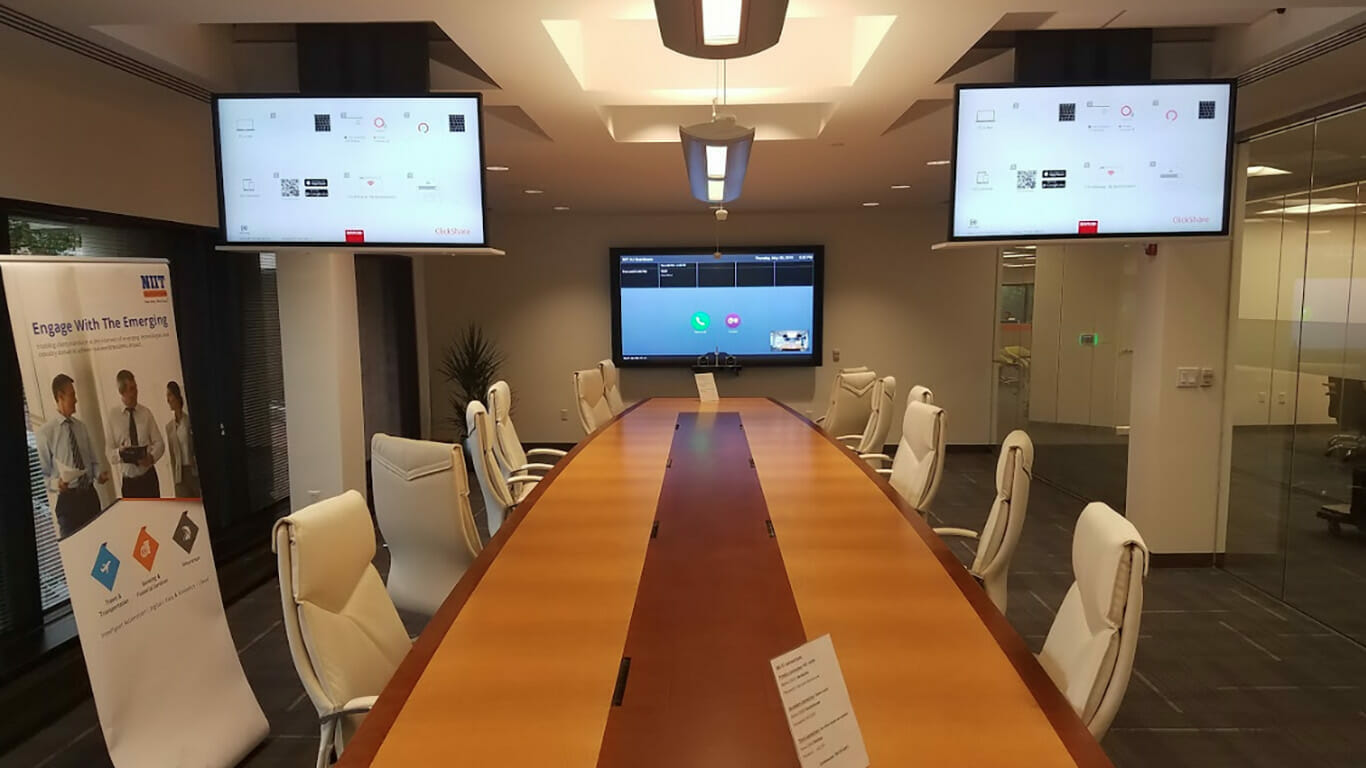
When setting up your conference room, choosing the right video conferencing technologies is essential to ensuring a successful meeting. Continue reading to learn about the 3 levels of conference room solutions recommended by CSAV Systems.
Courts rooms need to make sure that they have the right system for their needs, but they also need to think about how the system will impact their courtrooms. Learn more about the latest AV technologies and why you should consider them.
The quality of audio visual solutions for temples and synagogues has significantly increased during the last few years. Ultimately, your HOW congregants receive high-quality video quality and content in their day-to-day experiences and expect the same in their house of worship. There are many options for audio visual solutions for temples and synagogues on the market. Let’s dive into the most popular technology in 2022.
Discover the four innovative benefits of audio-visual technology for the healthcare industry and how they can help the medical industry.
Learn the steps to help create a productive and effective hybrid meeting room for your team and clients to gather.
With businesses being at various levels of work-from-home, communication is crucial in the workspace. Communication tends to be a concern no matter how big or small the space and team may be.
It is crucial that all your audio/visual systems function seamlessly during a conference meeting. Having a plan in place for any possible a/v mishaps is imperative – learn how CSAV Systems can help.
A wireless presentation system can offer a business various advantages. Keep reading to learn our top five reasons why your office needs one.
If your facility has available CARES Act Dollars, you may be eligible to utilize these funds for audio/visual technologies. Keep reading to learn more.
Video conferencing systems are essential for businesses to keep employees connected and collaborate with their team. Learn more about how they will benefit your business.